
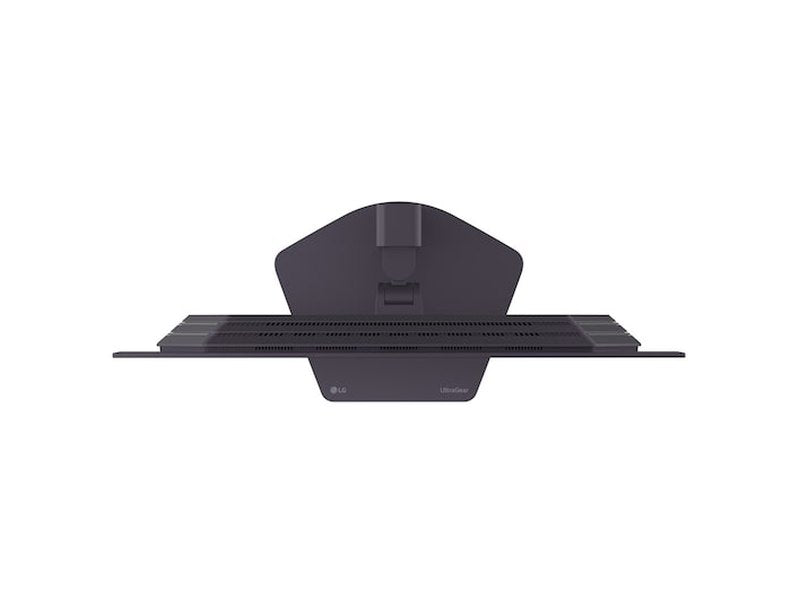
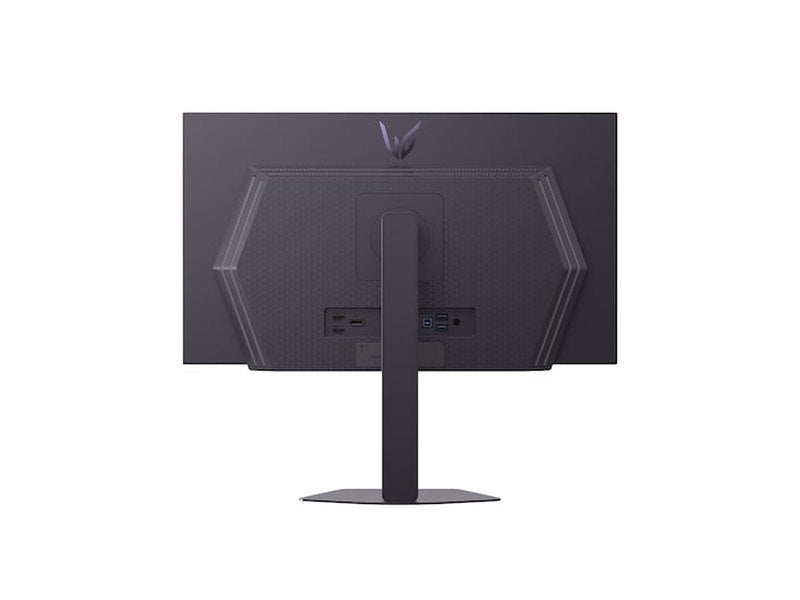
Estimate shipping
Description
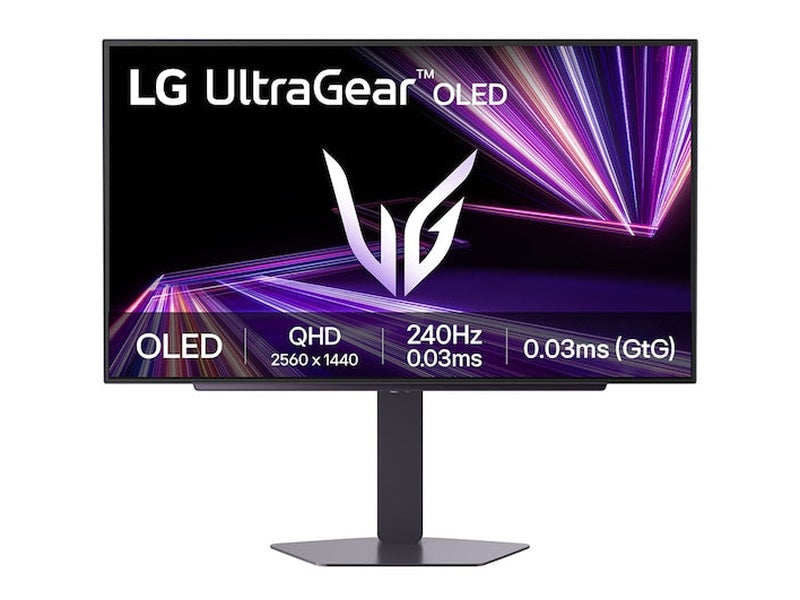
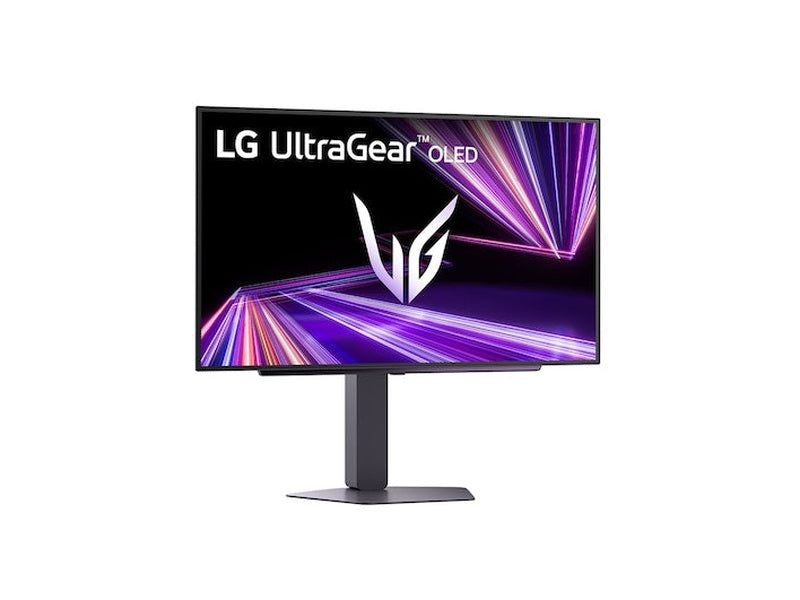
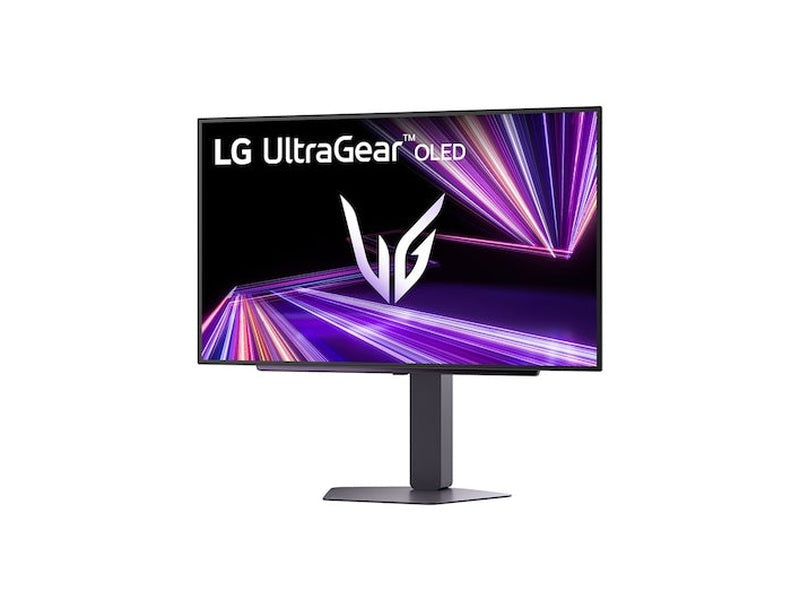
LG UltraGear 27GX704A-B 27" 240Hz 0.03ms QHD DisplayHDR OLED Gaming Monitor

Display
27" QHD (2560 x 1440) OLED
DisplayHDR True Black 400 / DCI-P3 Typical 98.5%*
Glare panel
Speed
240Hz refresh rate
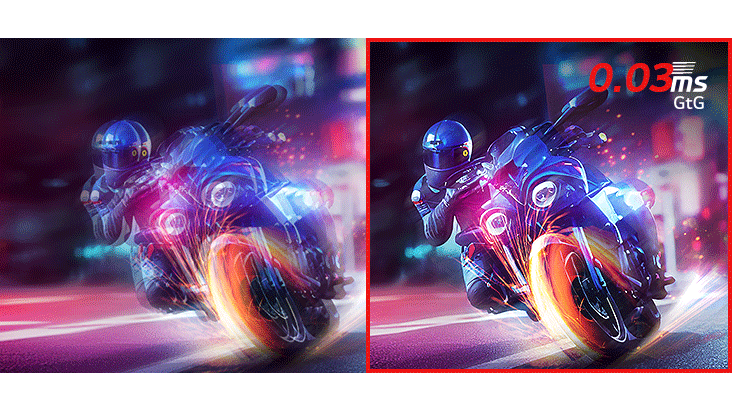
0.03ms (GtG) response time
QHD@240Hz from HDMI 2.1
Technology
NVIDIA® G-SYNC® Compatible
AMD FreeSync™ Premium Pro
VESA certified AdaptiveSync
Images simulated to enhance feature understanding. It may differ from actual use.
*DCI-P3 Typical 98.5%, Minimum 90%.
OLED with MLA+
Brilliant to
magnificent play
The brilliant OLED monitor takes colours to a new level of vividness. With a standard luminosity of 275nits and a peak brightness of 1300nits, this monitor keeps your visuals bright and vibrant, ensuring you never play in the dark.

Images simulated to enhance feature understanding. It may differ from actual use.
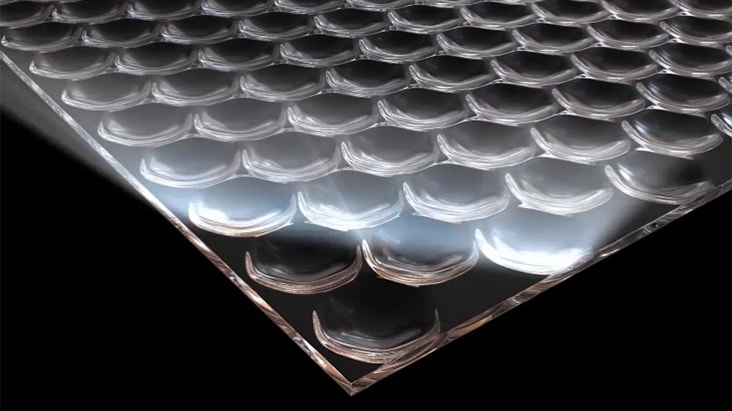
Micro Lens Array+
The evolution of OLED
Our UltraGear™ OLED features Micro Lens Array+ (MLA+) technology, increasing SDR brightness by 37.5% when compared with standard MLA.
Images simulated to enhance feature understanding. It may differ from actual use.
DisplayHDR True black 400 / DCI-P3 98.5%
The explosion of colours
VESA DisplayHDR True Black 400 makes every scene, whether bright or dark, come to life with realistic details, a 1.5M:1 contrast ratio and DCI-P3 98.5% (Typ.).

Images simulated to enhance feature understanding. It may differ from actual use.
*1.5m:1 is the contrast ratio at 25% APL. APL (Average Picture Level) value is given as a percentage and refers to the value between the black level and the reference level for white.
Low Blue Light
Game with confidence
View with comfort
LG WOLED technology minimises blue light levels while maintaining vivid and lifelike colours. This helps support a more comfortable and visually rich gaming experience.
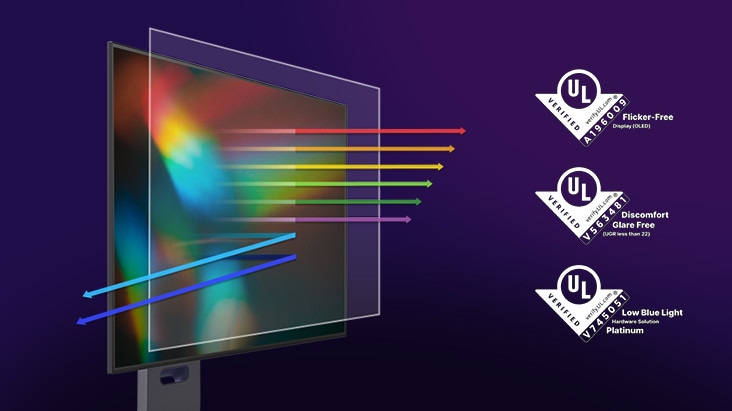
Images have been simulated to enhance feature understanding, and may differ from actual use experience.
LG OLED panels have been certified as Flicker-Free, Discomfort Glare Free, and Low Blue Light by UL.
Certificate Number: Flicker-Free Display (OLED) - A196009, Discomfort Glare Free - V563481 (conditions of UGR less than 22), Low Blue Light Hardware Solution Platinum - V745051.
The above feature may vary depending on the user's computing environment or conditions.
Quick setups for a bright OLED
Adjusting a few monitor settings can help maximise brightness, but note that power consumption may increase and display burn-in may occur if these settings are used.
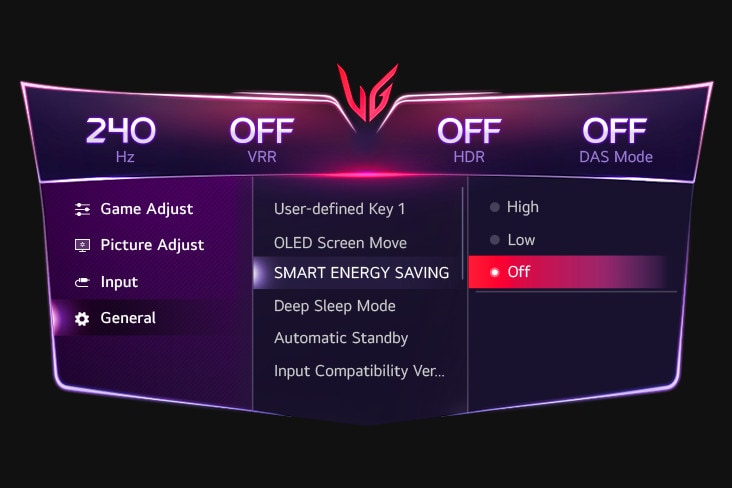
[Option 1] Turn off the Smart Energy Saving mode.
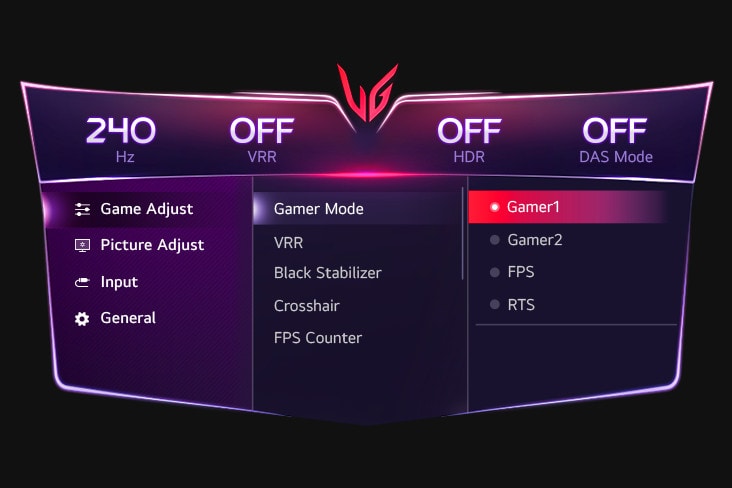
[Option 2] Set Game Mode as Gamer 1.
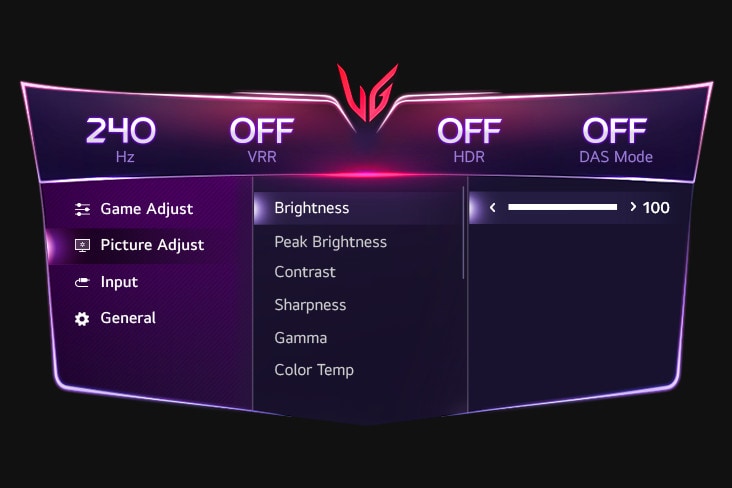
[Option 3] Set Brightness to 100.
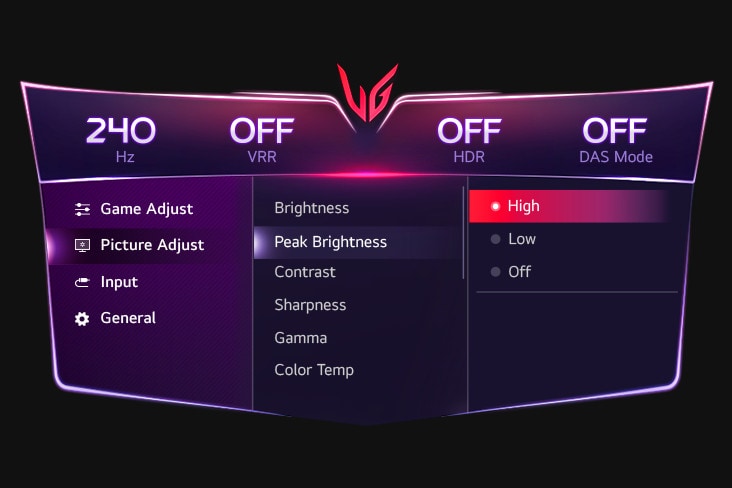
[Option 4] Set Peak Brightness as High.
Images simulated to enhance feature understanding. It may differ from actual use.
*Power consumption may increase when the above options are chosen.
*Display burn-in may occur when any of the above options is chosen.
OLED display with 240Hz and 0.03ms (GtG)
Lightning speed
This UltraGear™ monitor delivers 240Hz refresh rate and 0.03ms (GtG) response time on the OLED display.
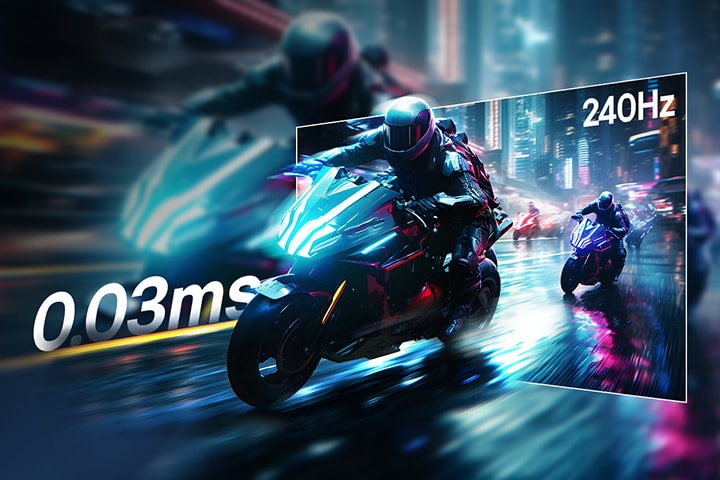
Images simulated to enhance feature understanding. It may differ from actual use.
Incredible speed,
OLED 240Hz refresh rate
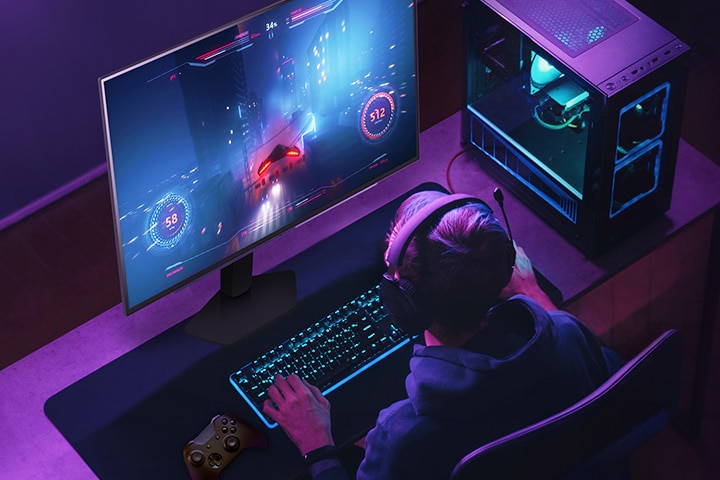
The 240Hz refresh rate helps gamers to view frames quickly, resulting in smooth visuals. This responsiveness supports rapid reactions to opponents and precise targeting.
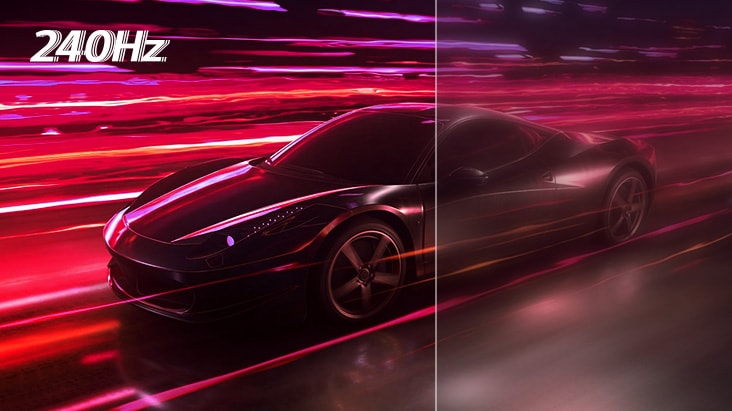
Images simulated to enhance feature understanding. It may differ from actual use.
Extremely fast
0.03ms response time
With a 0.03ms (GtG) response time, reverse ghosting is minimised and objects are rendered with clarity, allowing for smooth motion and visually fluid gameplay.
DP 1.4 and HDMI 2.1
Amplify your gaming output with an OLED display
This monitor is capable of up to 240Hz refresh rate from DP and HDMI so that gamers can fully enjoy QHD resolution and 240Hz using either the DisplayPort or HDMI port.
*It supports up to QHD@240Hz rapid refresh rate. A graphics card that supports DP 1.4 or HDMI 2.1 cable is required to work properly.
*The graphics card needs to be purchased separately.
^1 x DP cable and 1 x HDMI cable are included with the monitor.

Fluid gaming experience
NVIDIA® G-SYNC® Compatible
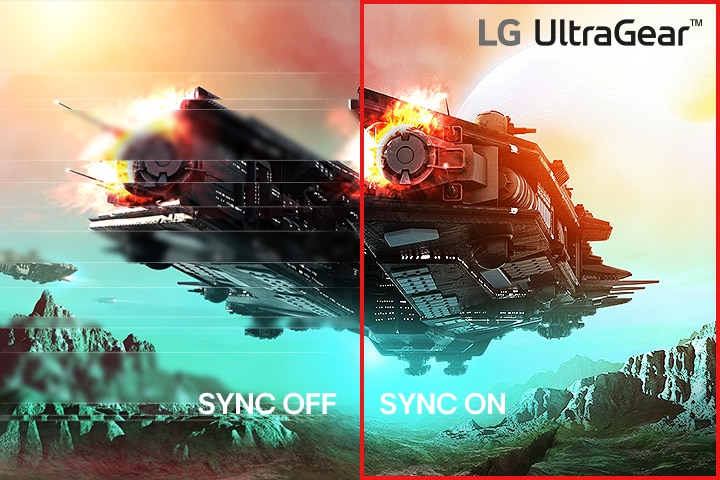
27GX704A is an NVIDIA-tested and officially validated G-SYNC® Compatible monitor that can provide a good gaming experience with minimised tearing or stuttering.

VESA certified AdaptiveSync
Certified with VESA AdaptiveSync Display, this monitor is designed to support high refresh rates and low latency, delivering smooth, tear-free visuals and seamless video playback.
Images simulated to enhance feature understanding. It may differ from actual use.
The performance of the feature on this monitor is compared to other monitors which have not applied the sync technology.
Errors or delays may occur depending on the network connection.
Gamer-centric design
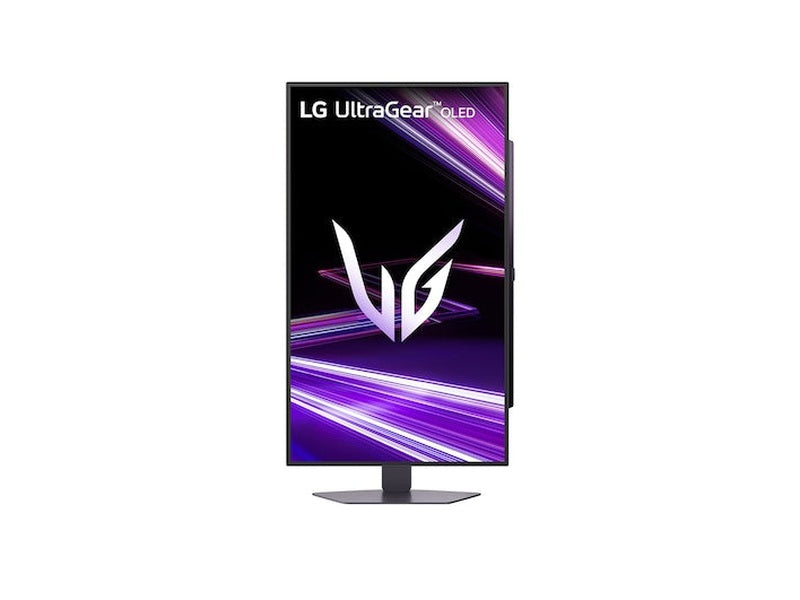
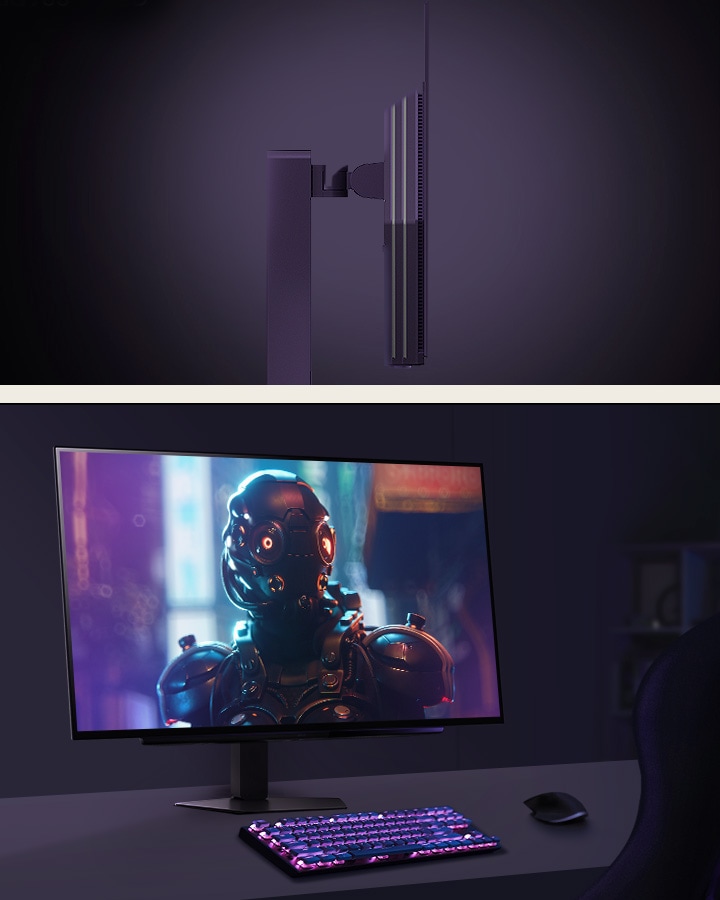
Experience our hexagon lighting and a virtually borderless 4-sided clean design featuring a fully adjustable base with swivel, tilt, height, and pivot.
Gaming GUI
Award-winning gaming GUI
Gamers can use On-Screen Display and OnScreen Control to easily adjust basic monitor options or register user shortcuts via the "User Defined Key".
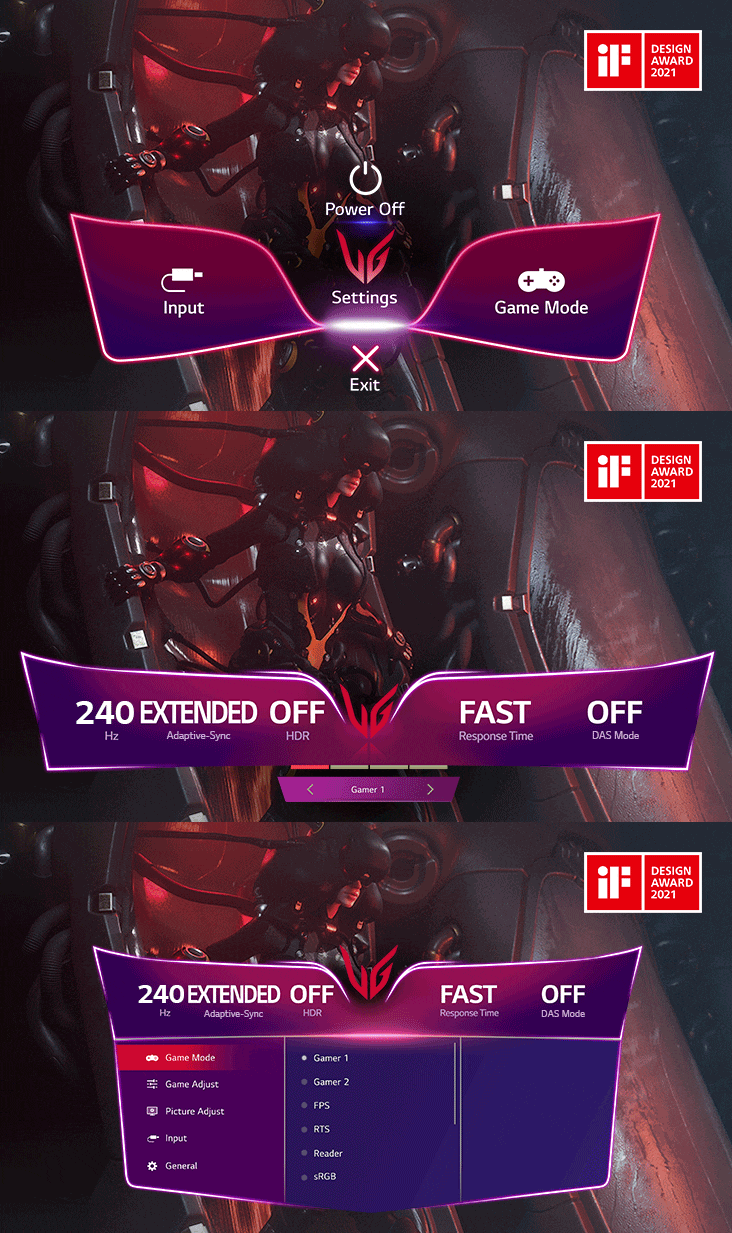
*To download the latest OnScreen Control, visit LG.COM.
Images simulated to enhance feature understanding. It may differ from actual use.
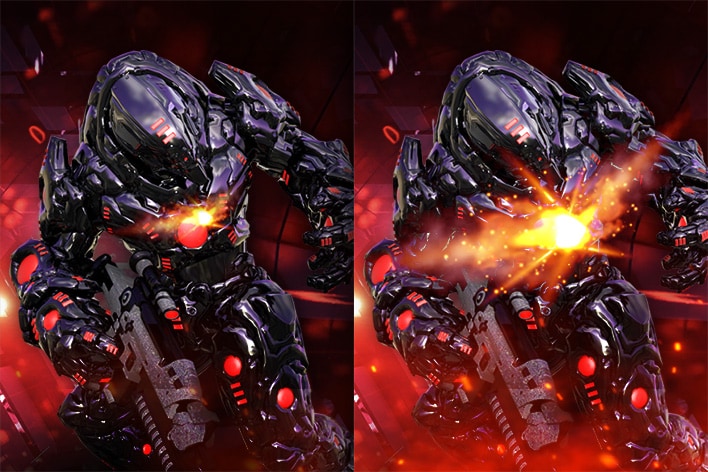
Dynamic Action Sync
Dynamic Action Sync Mode allows you to see the action as it occurs in real time so that you can react immediately rather than respond after the delay of internal frame processing.
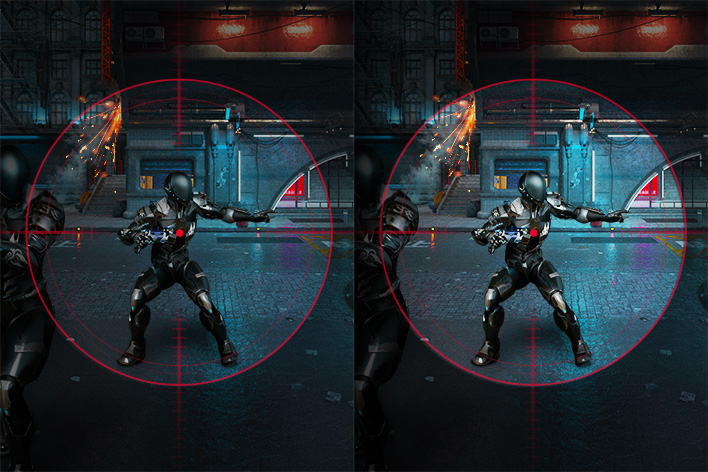
Black Stabiliser
Black Stabiliser Mode brightens dark areas and gives you better visibility in dark scenes. It can make dark areas brighter to help you find the enemy or game objectives hidden in the dark.
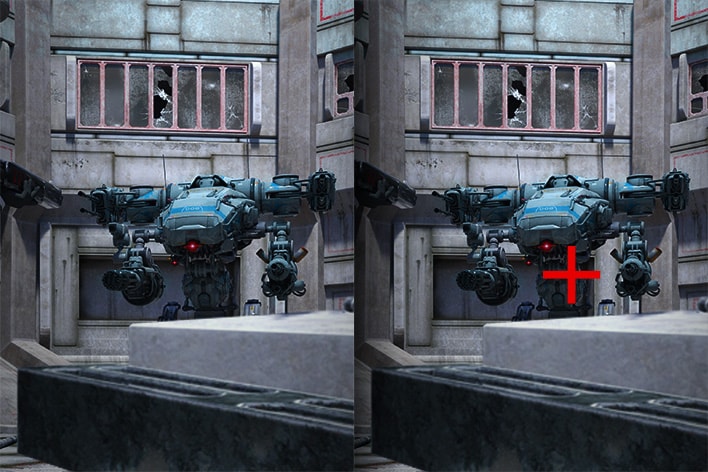
Crosshair*
The Crosshair feature helps enhance accuracy in first-person shooter games.
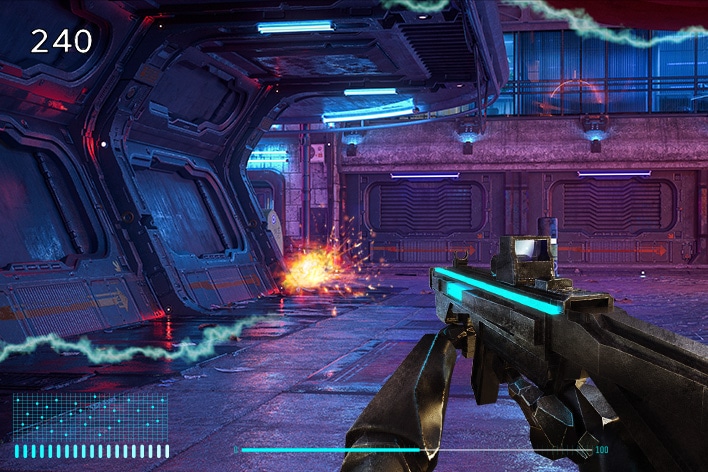
FPS Counter^
The FPS Counter lets you see how well everything is loading in real time. Whether you're editing, playing games, or watching a movie, every frame matters.
Images simulated to enhance feature understanding. It may differ from actual use.
*The Crosshair feature is unavailable while FPS Counter is activated.
^FPS Counter may display the value that exceeds the monitor’s maximum refresh rate.
FPS (Frame Per Second) Counter: Measurement of frames per second.