
Estimate shipping
Description
Reliable paper handling with an ultra-compact and versatile design
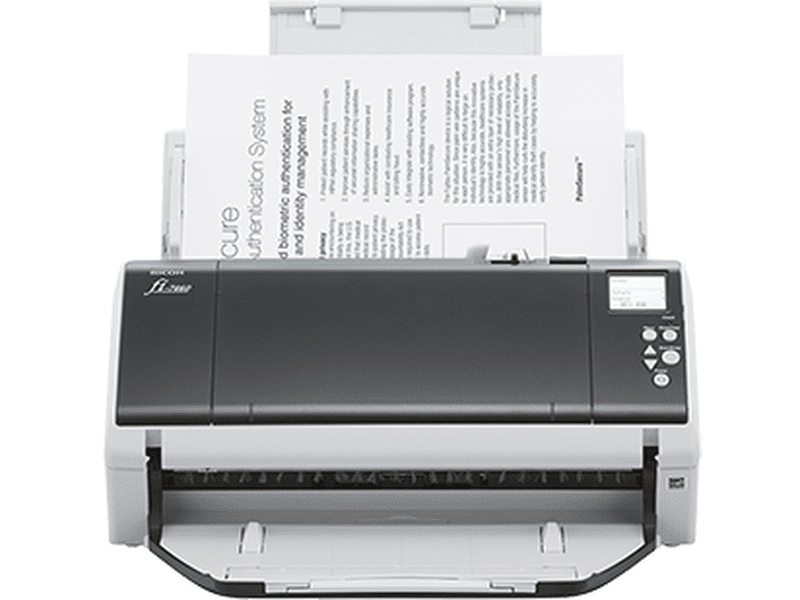
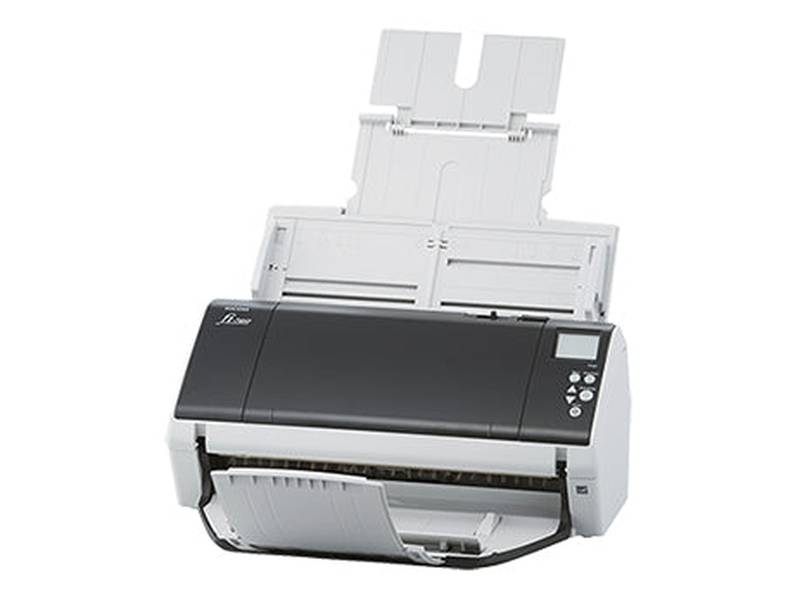
The fi-7460 provides high quality technology for reliable scanning and enhanced image processing functionalities to significantly empower business workflows. Even with its compact size, the device scans A4 landscape documents at 60 ppm/120 ipm (200/300 dpi), and is capable of loading up to 100 sheets at a time and scanning up to as many as 18,000 sheets a day.
- Skew Reducer to ensure stable feeding
- Paper Protect function to protect documents from damage
- Independent Side Guides for easy setting of mixed batches
- Stacking Control function for easy paper collection after scanning
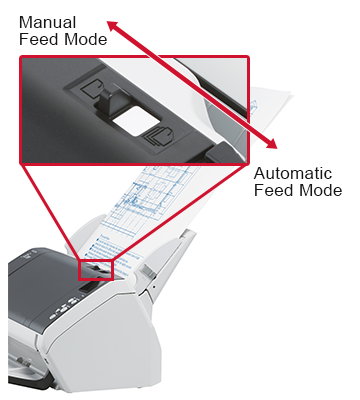
- Manual Feed Mode to scan various types of documents
- Backlit LCD for easy operation viewing
- Comes with PaperStream IP and PaperStream Capture providing advanced image processing functions
- PaperStream Capture Pro available as an option
Features
Reliable scanning for a seamless workflow
Designed with the straight paper path structure, the scanner ensures additional document placement during scanning, reducing interruptions between batches. This structure with multiple advanced functions provides very comfortable scanning, handling a wide range of documents.
With brake rollers functioning as the fundamental mechanism to separate each sheet of paper for clean feeding, the scanner's high quality technologies provide reliable paper feeding. The Skew Reducer also helps improve feeding performance and prevents re-scanning that can result from document edges getting cut off. Even if papers jam, the Paper Protection function keep precious documents safe by detecting anomalies in sound and monitoring paper feed distance so that users can comfortably scan their important business documents.
Skew Reducer
Independent separator rollers ensure that a document that is skewed will not affect the alignment of subsequent sheets.

Reduce workload before and after scanning
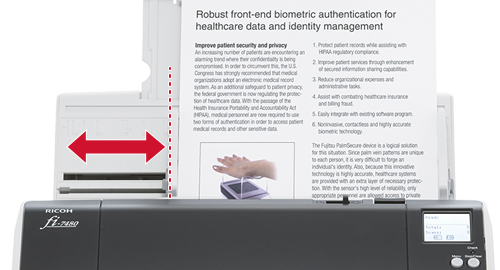
With the independent Side Guides, users can easily align edges of variously sized documents when loading them on the scanner. The Stacking Control function controls paper output speed and ensures that documents are stacked neatly after scanning, making papers slow down as ejected. These designs and functions make it easy for operators to set documents on the scanner and collect the scanned documents from the scanner.
Independent Side Guides
Each guide moves independently, so they can be easily adjusted to the document width in mixed batches.
Scan any document with just one scanner
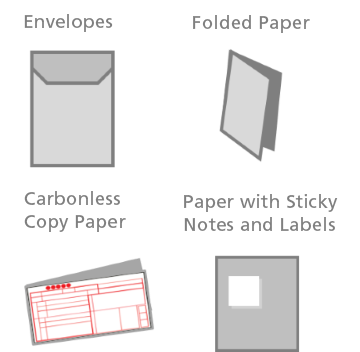
The scanner handles various types of business documents so that all scanning work can get done with a single scanner. By simply changing the feed mode to Manual Feed Mode, users can easily scan thick documents such as drawings folded in half, multi-layered receipts, and envelopes.
Stress-free usability with a compact and user-friendly design
Perfect for any office
As compact scanner, the fi-7460 will fit on any desk and is the ideal scanner for any office environment.
Easy and comfortable scanning operations
Use the operation panel and backlit display, to scan directly from the scanner with the job-registration function, and complete various operations from adjusting scanning settings to checking existing error statuses on the scanner itself.
Various settings can be done thought the Menu on the LCD panel.
- Pick Speed
- Cleaning
- Consumable Counters
- Language
- Low-speed Feed Mode
- Doc Counting Mode
Advanced software for work efficiency
Connect business workflow with PaperStream IP and PaperStream Capture
The PaperStream IP scanner driver, supporting both TWAIN/ISIS, eliminates the need of making fine setting adjustments for OCR processes. It automatically converts images into exceptionally clean images, accelerating OCR even when scanning wrinkled, soiled and patterned documents. With an intuitive interface, PaperStream Capture allows users to feed information into their organization's workflow through various capture features during batch scanning effectively and efficiently.
Streamline workflow with automatic functions
The software is designed to maximize administrator and user usability. Operation is simple to eliminate time spent on sorting scanned images and boost overall productivity.
Documents divided with barcodes and patchcodes are automatically sorted into appropriate folders with a few quick configuration processes. Automatic sorting allows users to load mixed batches while focusing on other tasks.
Utilize advanced optional capture software - PaperStream Capture Pro
A high-quality, front end scanning software, PaperStream Capture Pro, enhances fi Series scanners' superior scanning abilities with an improved feature set that includes options for high level data extraction and indexing, the import of electronic images, and support for multi-station licensing.
 Ricoh Fi-7460 Document A3 Duplex 60PPM Scanner (PA03710-B051)
$4,864.00
Ricoh Fi-7460 Document A3 Duplex 60PPM Scanner (PA03710-B051)
$4,864.00