
Estimate shipping
Description
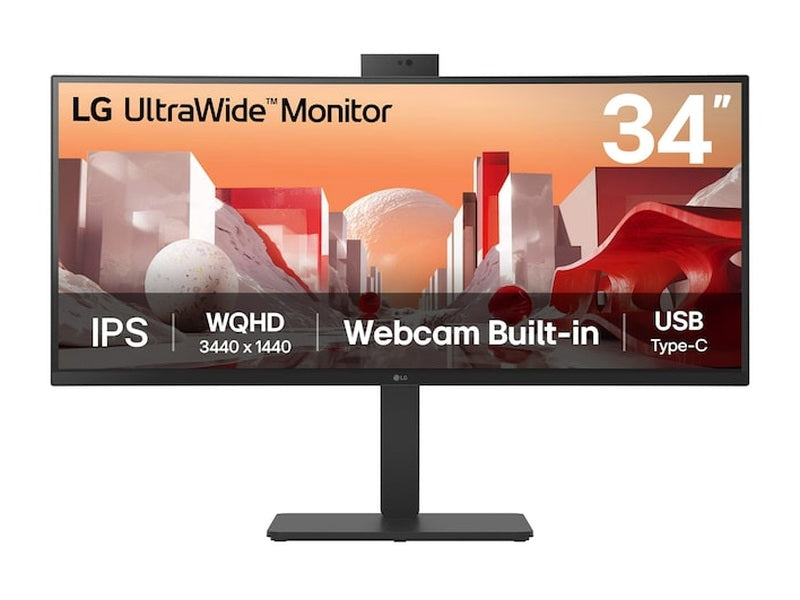
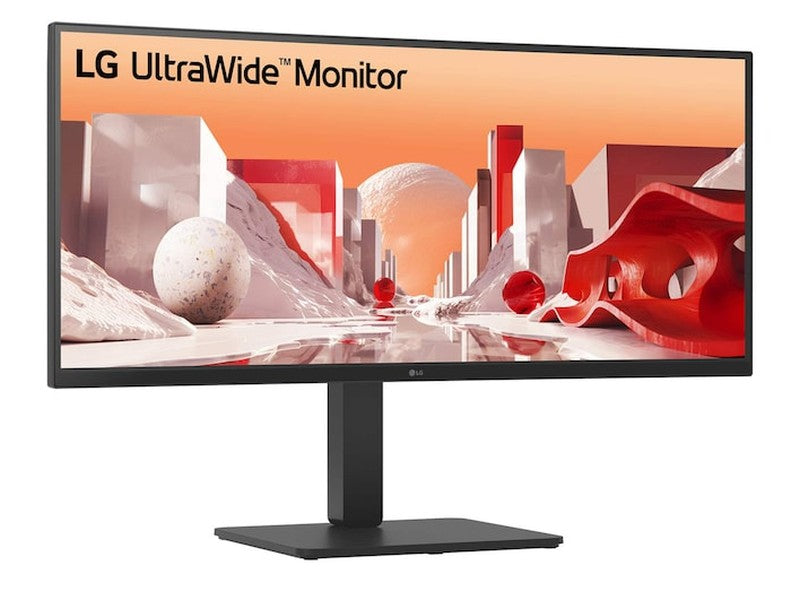
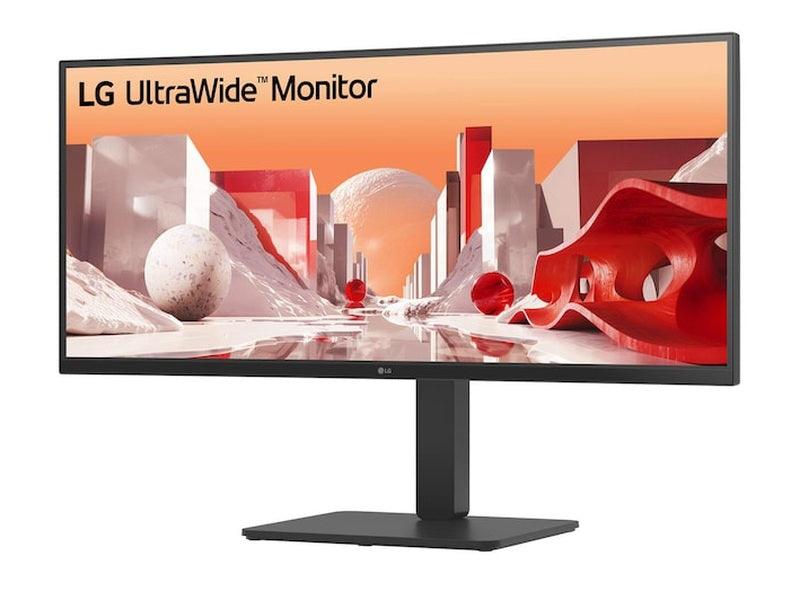
LG 34BA85QE-B 34" UWQHD CURVED IPS Conferencing Monitor (90W USB-C PD + Hub + Webcam)

34" WQHD IPS Display
Vivid colour at wide angles
This LG WQHD (3440x1440) monitor with IPS technology delivers clear and consistent colours. It provides vivid colour reproduction and helps users to view the screen at wide angles.
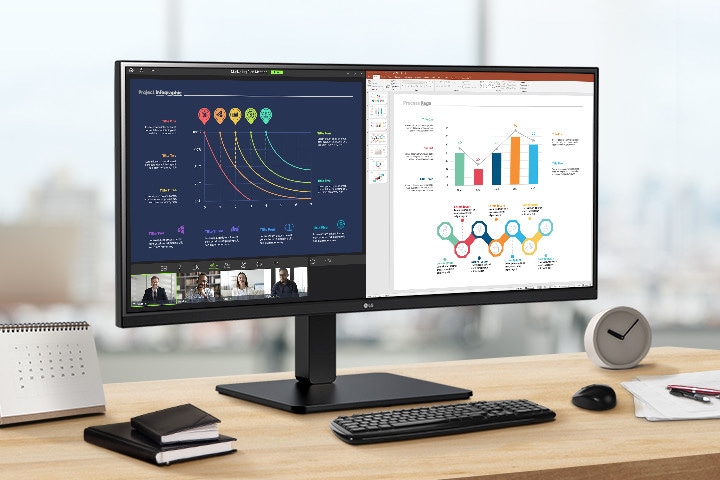
Images simulated to enhance feature understanding. It may differ from actual use.
The keyboard and mouse are not included in the package and should be purchased separately.
Display
34” WQHD (3440x1440) Curved IPS
sRGB 99% (Typ.) / HDR10
Efficiency
Built-in FHD Webcam, mic, and speakers
Built-in power
USB Type-C™ (PD 90W) / RJ45
Comfortable workstation
Ergonomic stand
Reader Mode & Flicker Safe
EPEAT & Energy Star
21:9 WQHD (3440x1440) Curved (3800R)
See more, do more
This UltraWide™ QHD (3440x1440) monitor with 3800R curvature and 21:9 aspect ratio provides you with more screen real estate and elevates your work efficiency. You can display various programmes at the same time, or check out lengthy rows of data in a spreadsheet without wrapping.
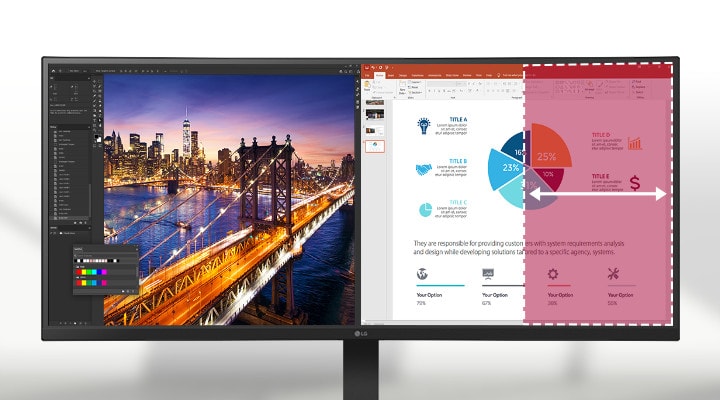
Images simulated to enhance feature understanding. It may differ from actual use.
The UltraWide QHD 21:9 aspect ratio monitor provides a wider horizontal display compared to a QHD 16:9 aspect ratio monitor.
HDR10 with sRGB 99% (Typ.)
See amazing colours
This monitor is compatible with industry standard HDR10 (High Dynamic Range), based on the sRGB 99% colour gamut, supporting specific levels of colour and brightness that enable viewers to enjoy the dramatic colours of the content.

Images simulated to enhance feature understanding. It may differ from actual use.
*Brightness: 300nits (Typ.), Colour Gamut: sRGB 99% (Typ.).
Built-in FHD webcam, mic, and speakers
All set for virtual meetings
The monitor comes with a built-in Full HD webcam, mic, and speakers with MaxxAudio®, eliminating the need for additional devices when participating in web conferences or watching videos.
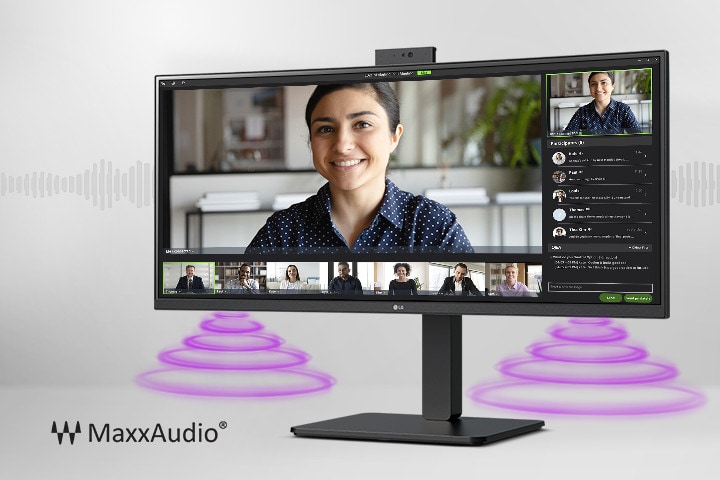
Images simulated to enhance feature understanding. It may differ from actual use.
Picture By Picture (PBP)
One screen, multiple views
The picture-by-picture feature lets you view content from two computers simultaneously, helping you process work efficiently.
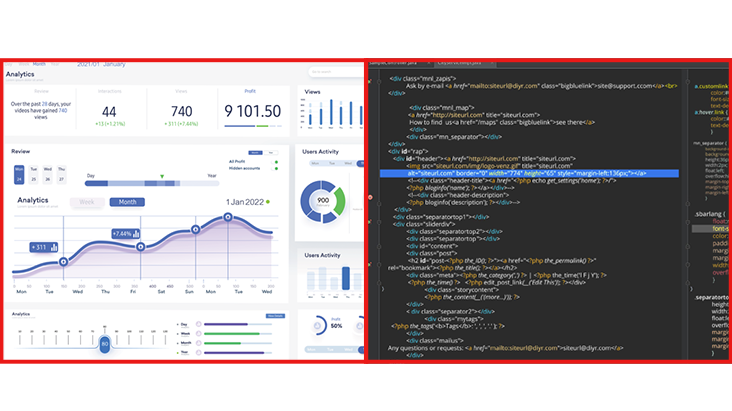
Images are simulated to enhance feature understanding and may differ from actual use.
Dual Controller (Built-in KVM)
Multi devices, one monitor
The dual controller feature lets you operate on a single monitor with two computers and transfer files to either one. Additionally, the built-in KVM capability allows you to control both computers using a single keyboard and mouse.
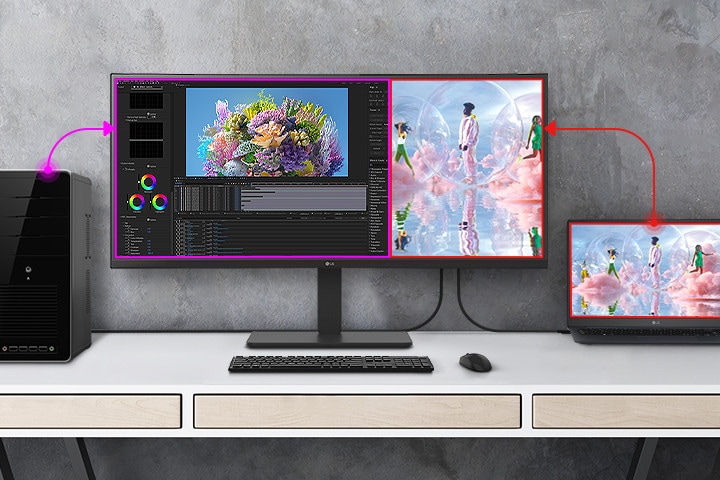
Images are simulated to enhance feature understanding and may differ from actual use.
Connect the two computers to the monitor with USB-C and USB A-B cables to work properly. USB A-B cable is included in the package.
*For the dual controller feature to work, both computers (Main PC and SUB PC) are required to be connected to the same network. The monitor is also required to connect to the computer running in Main PC mode.
USB Type-C™
Easy control and connectivity
USB Type-C™ ports allow display, data transfer, and connected device charging (up to 90W), providing support for your laptop all at the same time over a single cable.
(Up to 90W)
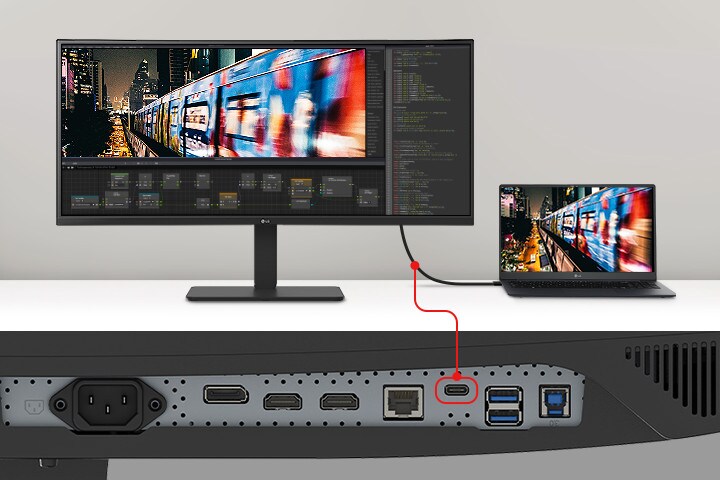
Images are simulated to enhance feature understanding and may differ from actual use.
To work properly, you need to connect the USB Type-C™ port to the monitor.
The USB Type-C™ cable is not included in the package and should be purchased separately.
*Some features may not function as intended depending on the PC that the user is using.
Multi ports
A variety of interface
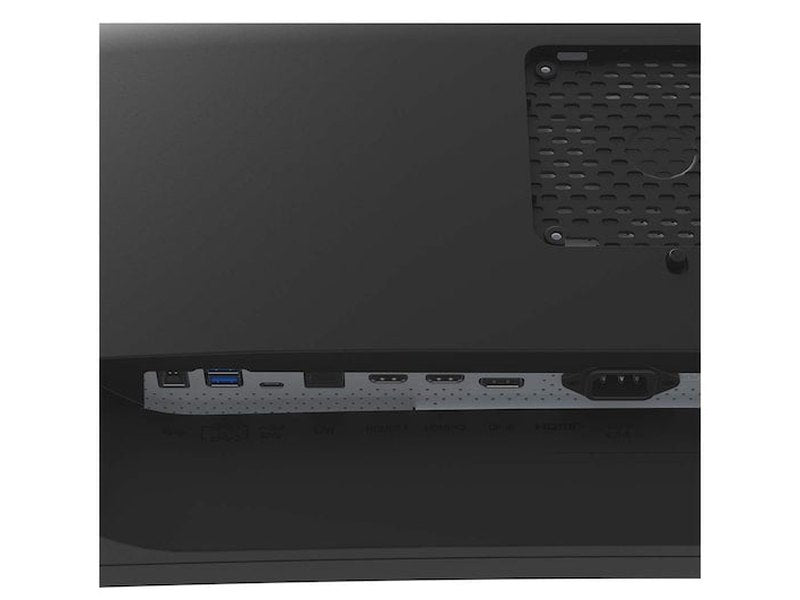
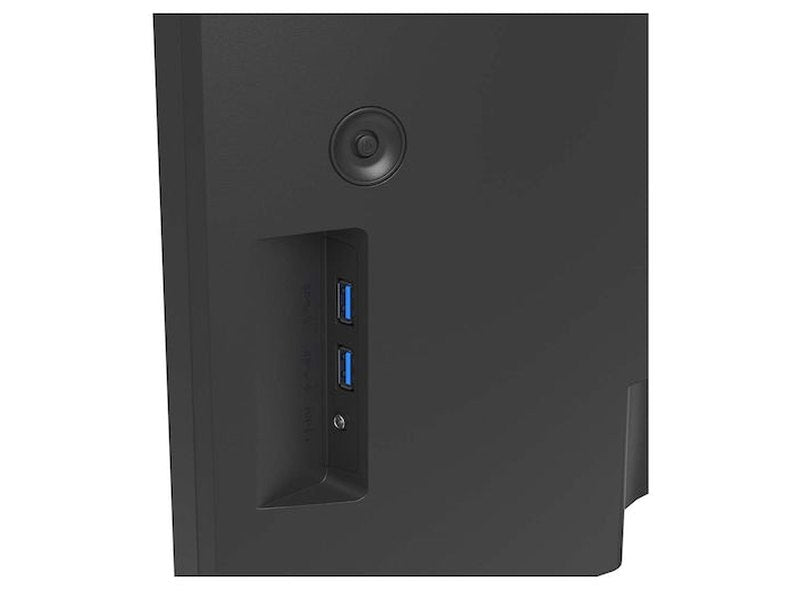
This monitor offers a variety of ports to help you easily connect numerous devices for an efficient desk setup.

Images simulated to enhance feature understanding. It may differ from actual use.
HDMI and DisplayPort cables are included in the package.
The keyboard and mouse are not included in the package and should be purchased separately.
Integrated power module
Fully utilise your desk space
By providing built-in power, workstations can be designed with a streamlined and less cluttered layout. This allows for better space utilisation and organisation, creating a cleaner and more efficient work environment.
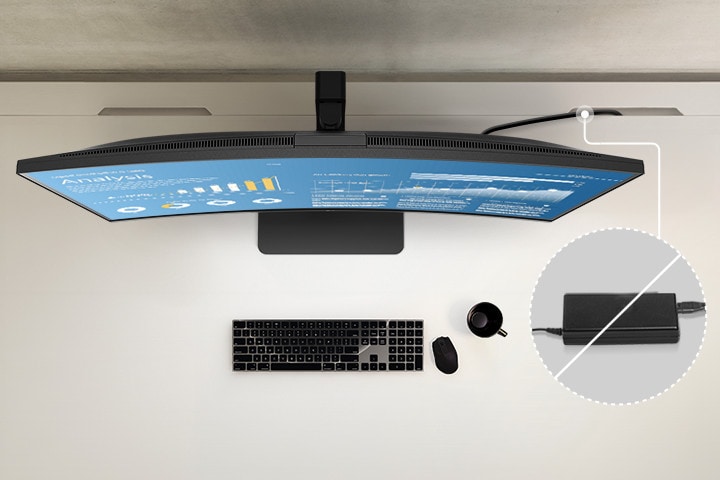
Images simulated to enhance feature understanding. It may differ from actual use.
The keyboard and mouse are not included in the package and should be purchased separately.
Ergonomic design
Easy and ergonomic
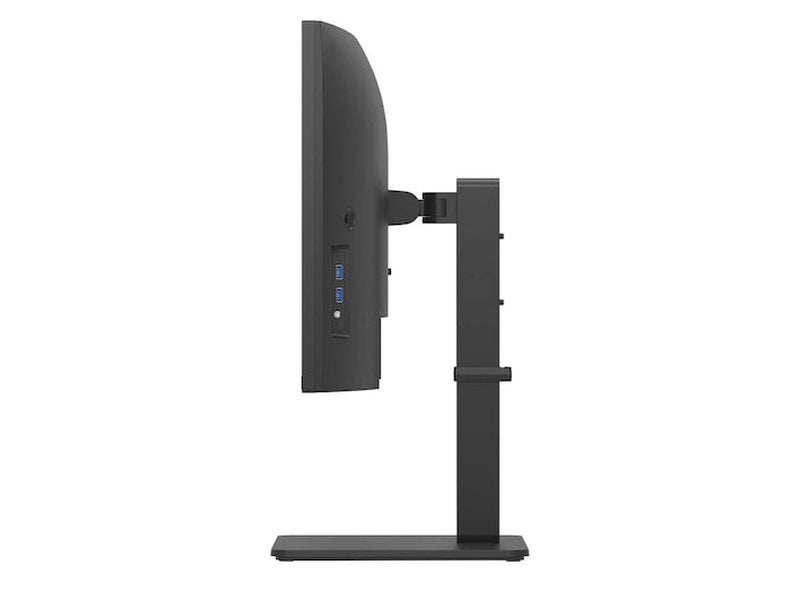
Achieve optimal monitor positioning for viewing with one-click stand height and tilt adjustments.
Easy installation
-5~21°
150mm
±45°
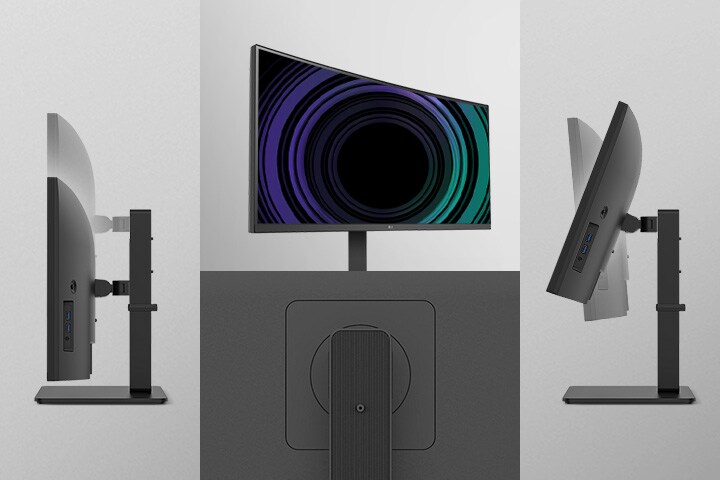
Images simulated to enhance feature understanding. It may differ from actual use.
Visual comfort
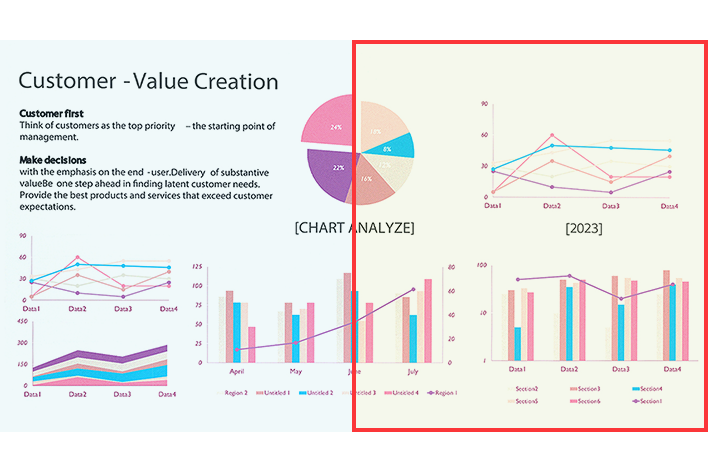
Reader Mode
Reader Mode adjusts colour temperature and luminance that helps to reduce eye fatigue and provide eye comfort while reading documents on a monitor.
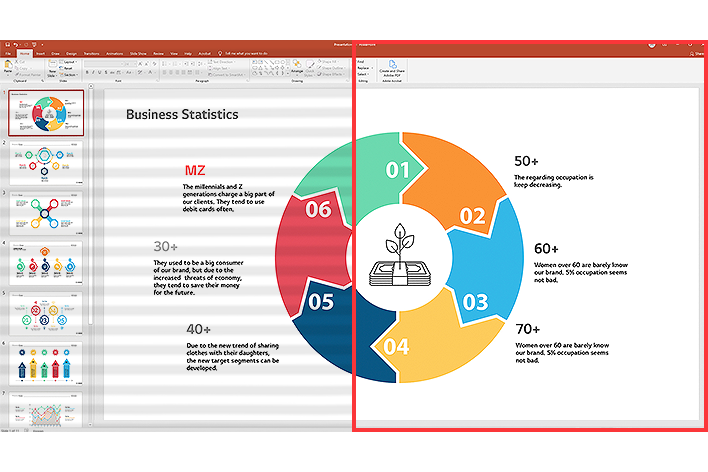
Flicker Safe
Flicker Safe reduces invisible flickering on the screen, which helps minimise eye strain.
Images simulated to enhance feature understanding. It may differ from actual use.
*Reader Mode and Flicker Safe features described above may vary depending on user's real-use conditions.

Better life for all
34BA85QE complies with multiple standards such as Energy Star and EPEAT.





Colour Weakness Mode
Colour Weakness Mode adjusts the colour palette and contrast to help users with colour vision deficiencies, making it easier to distinguish between red and green.
Images simulated to enhance feature understanding. It may differ from actual use.
Specifications
| Size | 34 inch |
| Resolution | 3440 x 1440 |
| Aspect Ratio | 21:9 |
| Curvature | 3800R |
| Panel Type | IPS |
| HDR10 | YES |
| HDMI | 2 |
| DisplayPort | 1 |
| USB-C | 1 |
| USB-C (Power Delivery) | 90W |
| USB Upstream Port | 1x USB3.2 Gen1 |
| USB Downstream Port | 4x USB 3.2 Gen1 |
| Built-in KVM | YES |
| LAN (RJ-45) | YES |
| Tilt/Height/Swivel | Tilt/Height/Swivel |
| Webcam | YES |